 DRM-X 6.0
Build native apps with Universal Player
Choose Android, iOS, Apple TV or Samsung Tizen. Download eligible SDKs, try public evaluation players, follow setup steps and view app screenshots.
1. Choose your platform#
Android
Kotlin, Media3 and Widevine. Phone and TV samples, streaming and protected VOD downloads on compatible devices.
Try the APK and build an Android app →iPhone & iPad
Swift Package, SwiftUI and FairPlay. Touch controls, playlists and protected downloads. iOS/iPadOS 15+.
Build your iOS app →Apple TV
The same Apple SDK includes a tvOS sample app with remote navigation, playlists and FairPlay streaming. tvOS 15+.
Build your Apple TV app →Samsung Smart TV
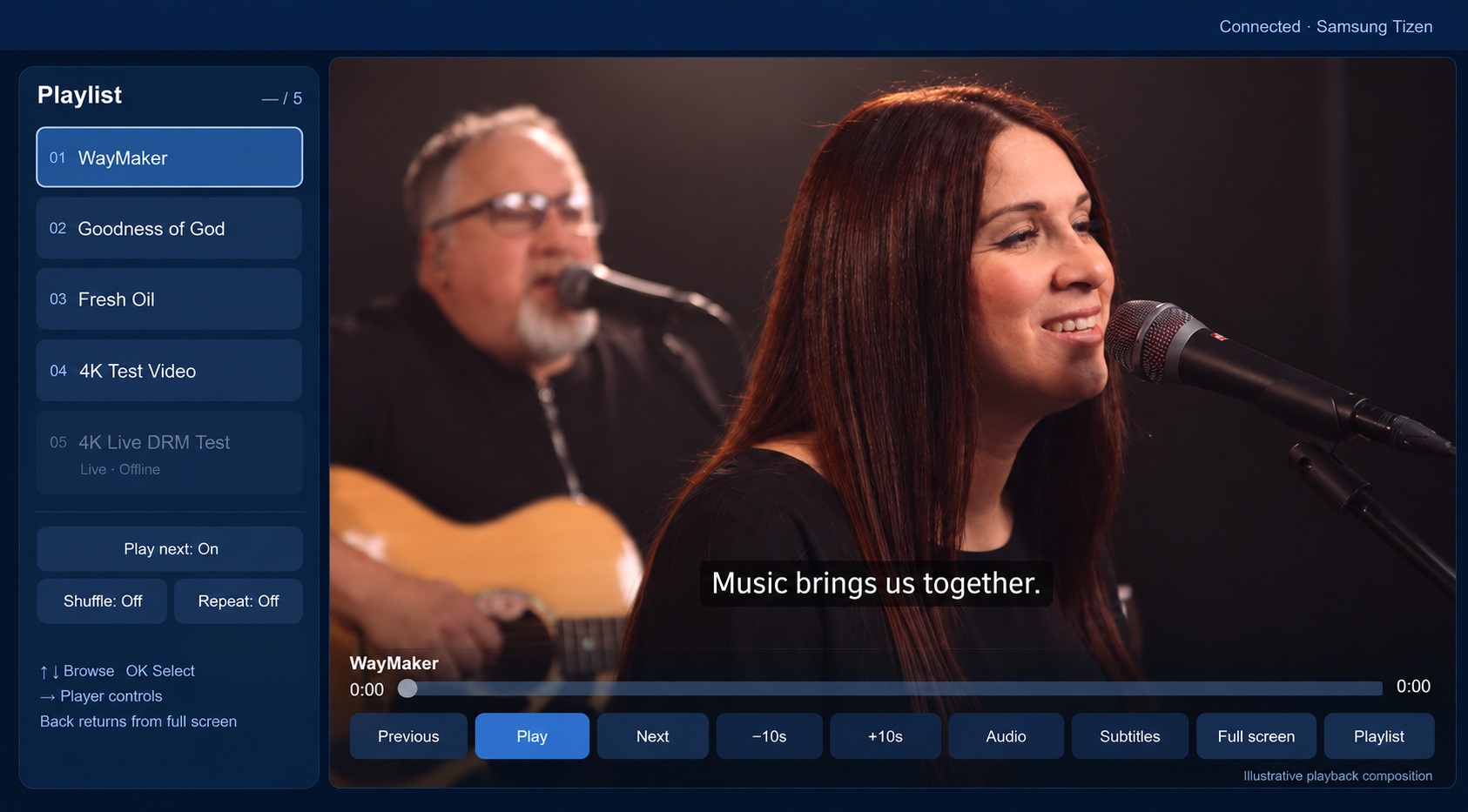
JavaScript, Samsung AVPlay and Widevine DASH VOD. Full-screen controls, playlists and remote navigation.
Try the TV evaluation kit and build a Tizen app →2. Download the SDK from Console#
- Sign in.Open Console → Integrations using the customer organization with an active Professional or Enterprise subscription.
- Choose your platform card.Download Android's AAR/full SDK, the Apple SDK ZIP, or the Tizen SDK ZIP. iOS and tvOS use the same Apple ZIP.
- Extract and open README.md.Keep the supplied folder structure. The Console shows release details and SHA-256 checksums. Keep customer SDK bundles in your private team dependency storage.
- Run the sample, then connect your app.Follow the platform guide. Use your own app identifiers and signing certificates. Test your content, backend and physical devices before distributing your app.
| Download | Access | What you receive |
|---|---|---|
| Android SDK | Professional / Enterprise | 1.0.0-preview.13 AAR, complete SDK and sample integration projects with verified builds |
| Apple SDK | Professional / Enterprise | 1.0.0-preview.3 Swift Package, iOS/tvOS Xcode samples and tests |
| Tizen SDK | Professional / Enterprise | 1.0.0-preview.1 JavaScript API, types, remote-control sample and tests |
| Android evaluation APK | Public | Signed demonstration app; download and install |
| Samsung evaluation kit / WGT | Public | Unsigned widget and local companion; configure and sign for your TV |
| Apple evaluation | Build from the eligible SDK | Sign the sample with your Apple team. There is no public IPA or TestFlight download. |
Trial and Standard accounts can read every guide and download the public evaluation apps. SDK download permission is checked by the server, including when an old download link is reused.
3. Connect your backend and published content#
- Package and publish an encrypted video. Use DASH/CENC for Android/Tizen and HLS/CBCS with an active FairPlay deployment for Apple.
- Create an authenticated HTTPS playback-session endpoint in your own backend. It checks the viewer's entitlement and calls DRM-X Playback Session API.
- Return Universal Playback Session Contract v1 with the registered manifest, license/certificate routes, short-lived authorization and session-release endpoint. Keep the Site Key and Access Key on the server.
- Set the app's endpoint, published Content IDs and viewer-login callback. A streaming session is created when viewing begins; stop or replace playback to release it.
- Play VOD first. Confirm audio, seek, captions supplied by your content, content switching, denied access and session release. Test live only during an active event.
The SDK does not replace your customer login or subscription logic. Start with the backend examples; use a token proxy when your architecture needs it.
See the player interfaces#
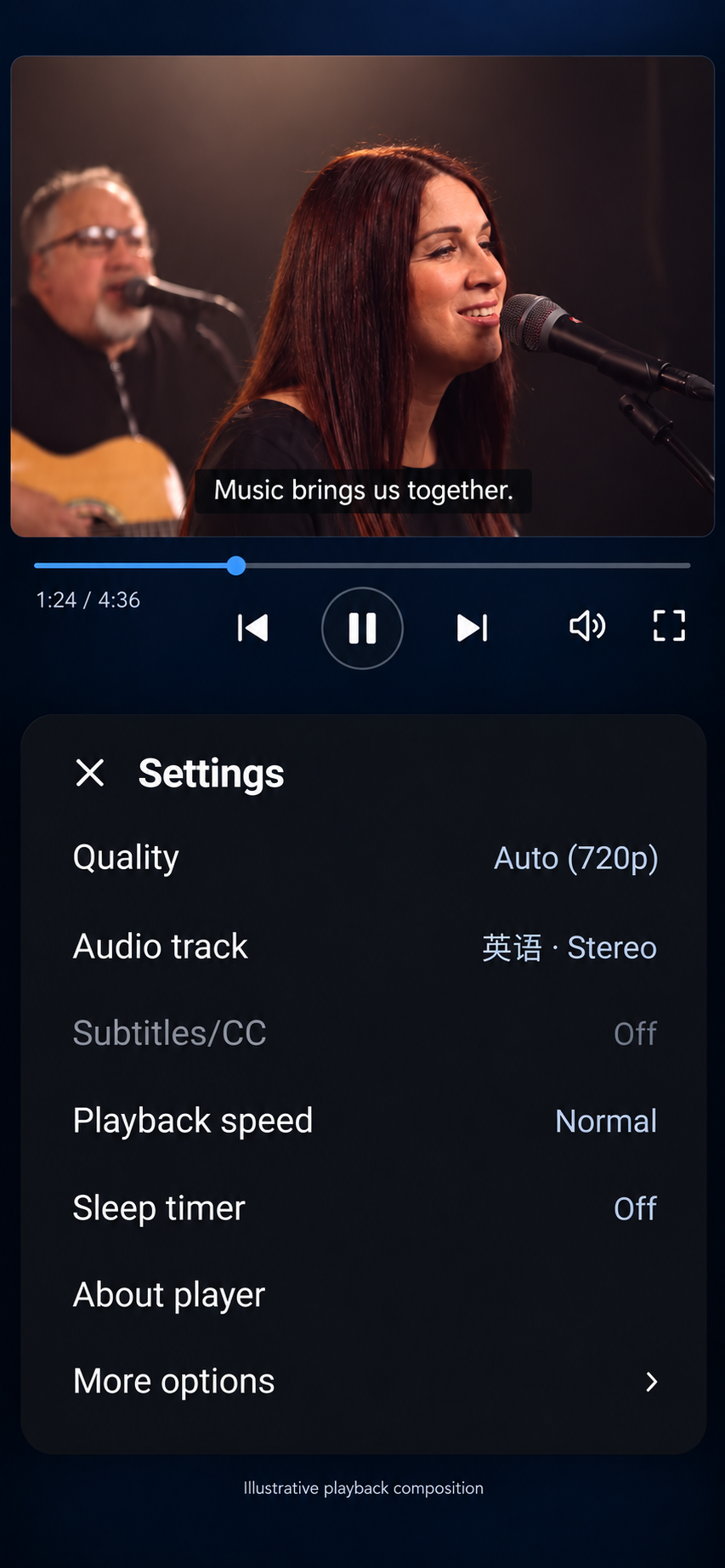
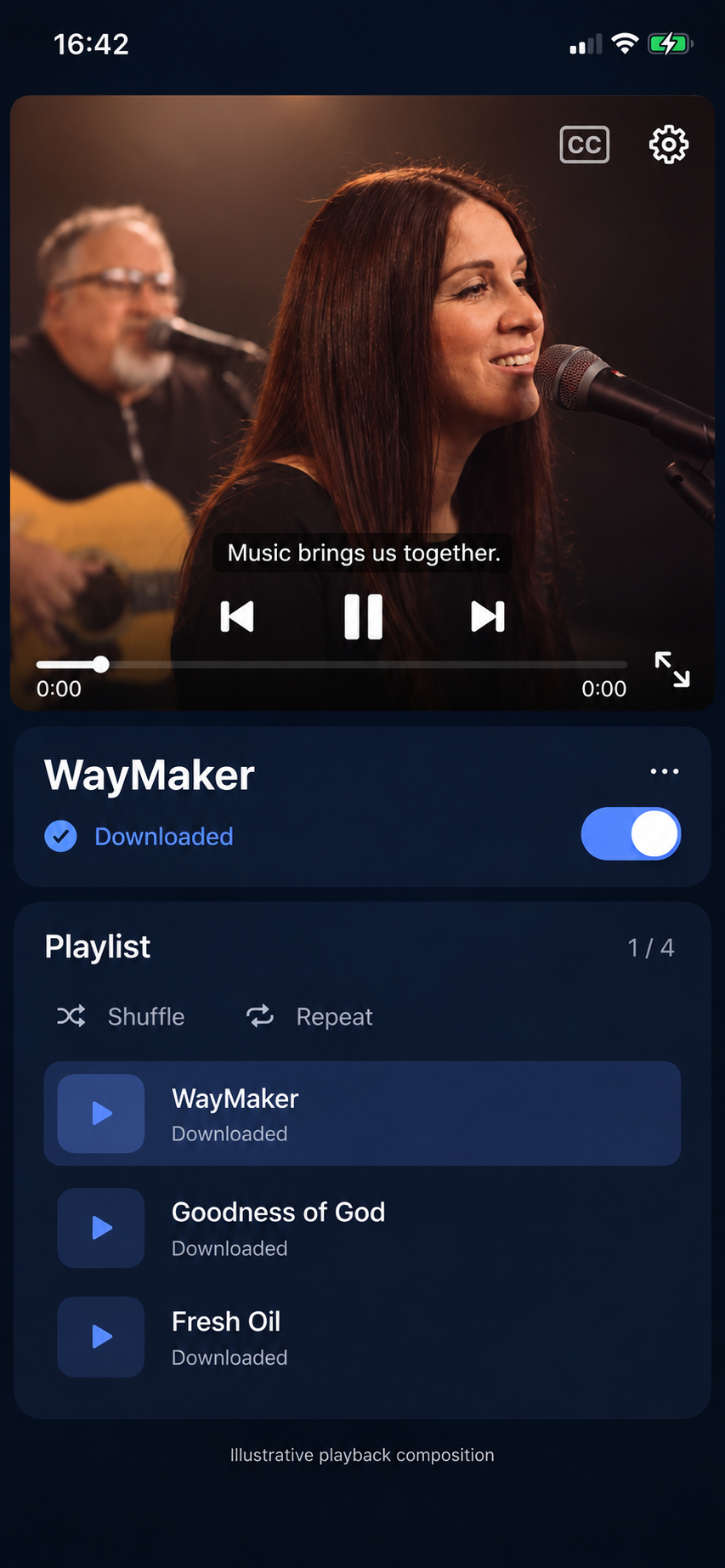
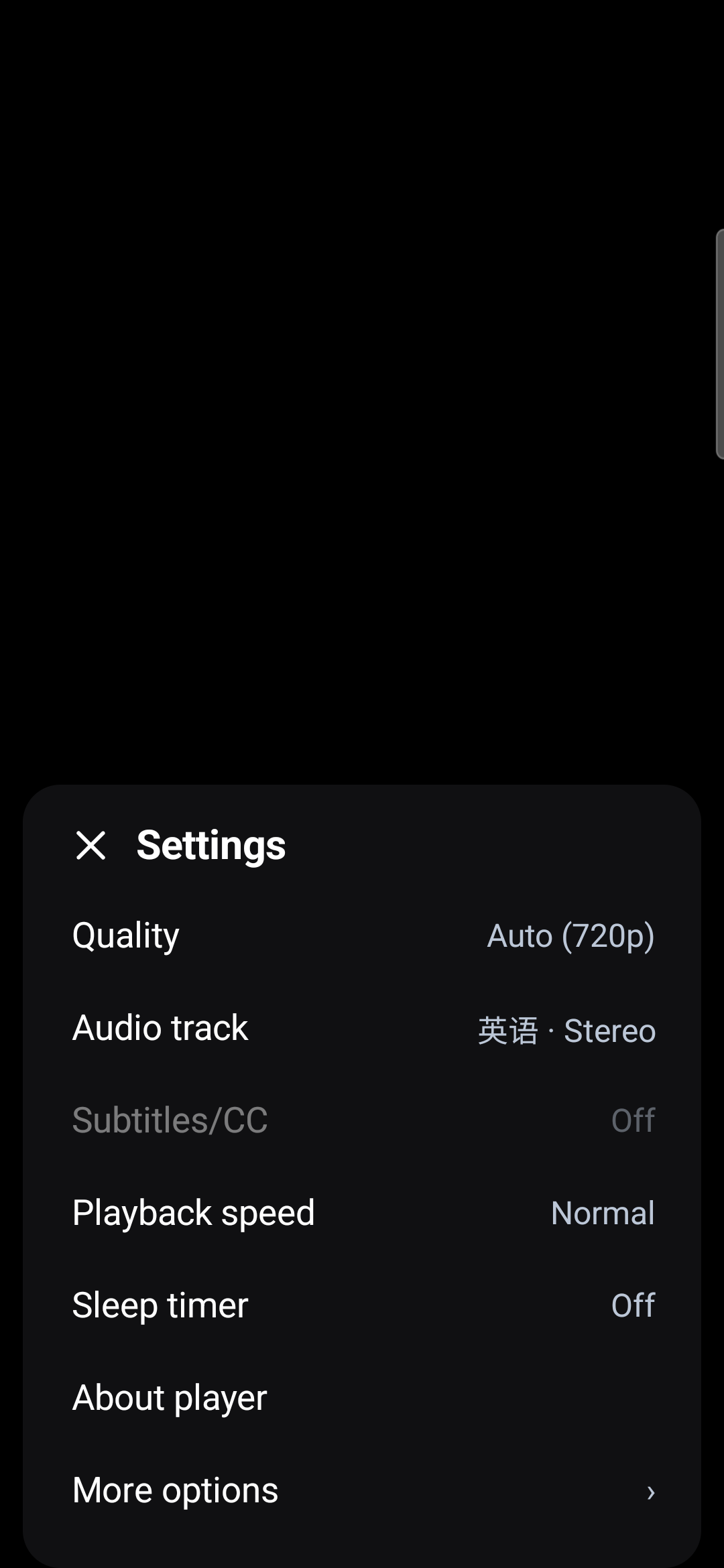
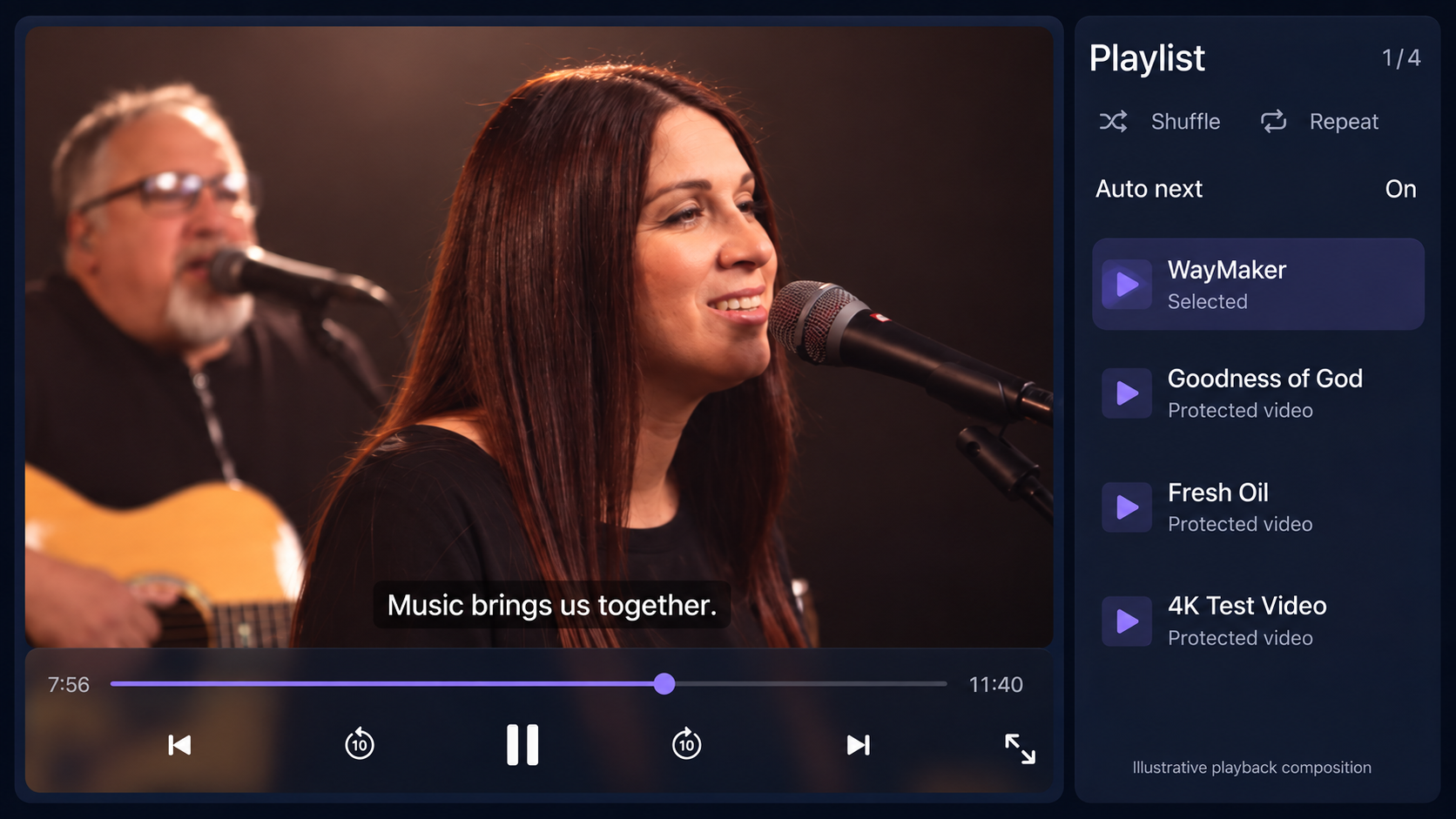
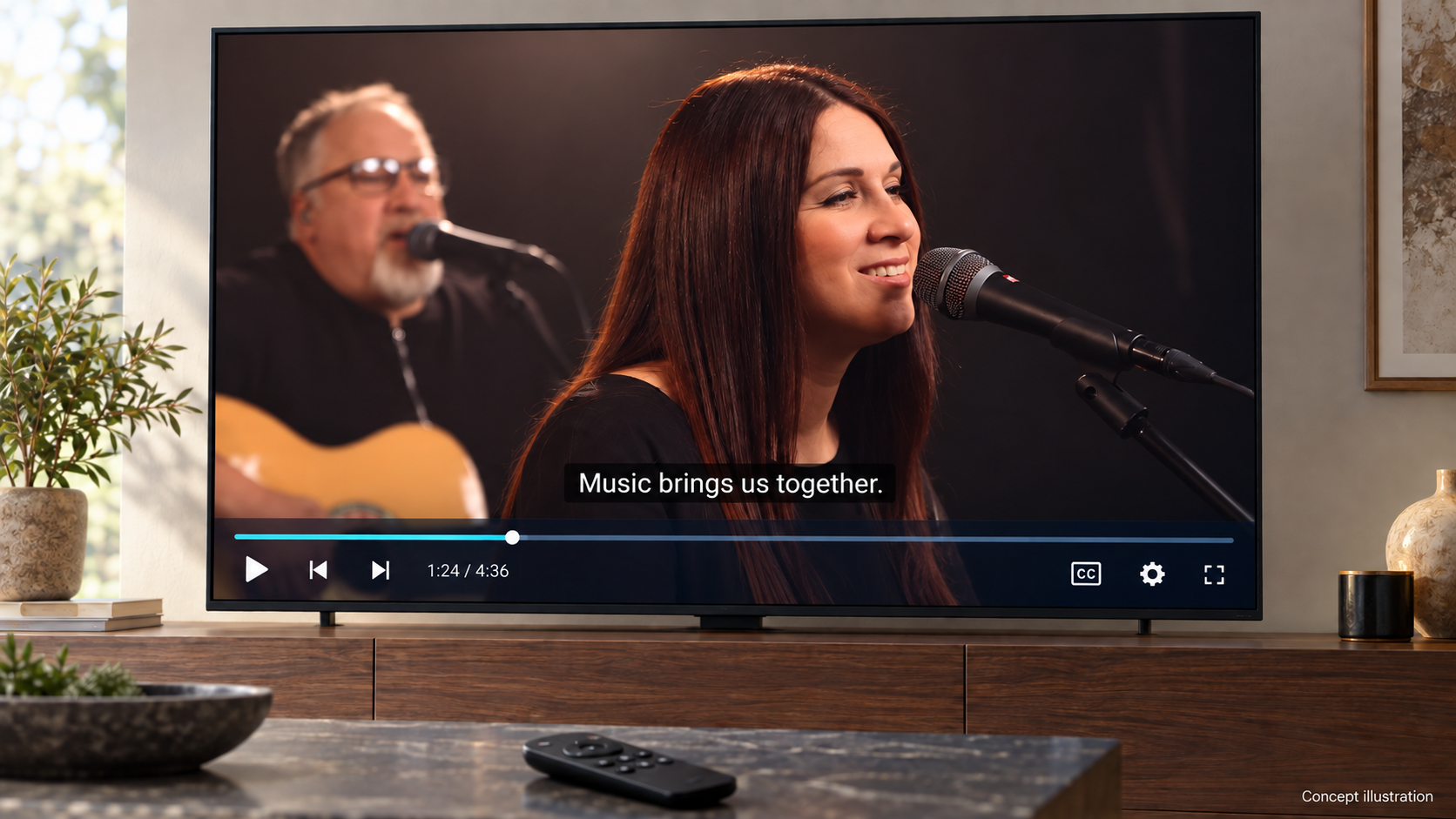
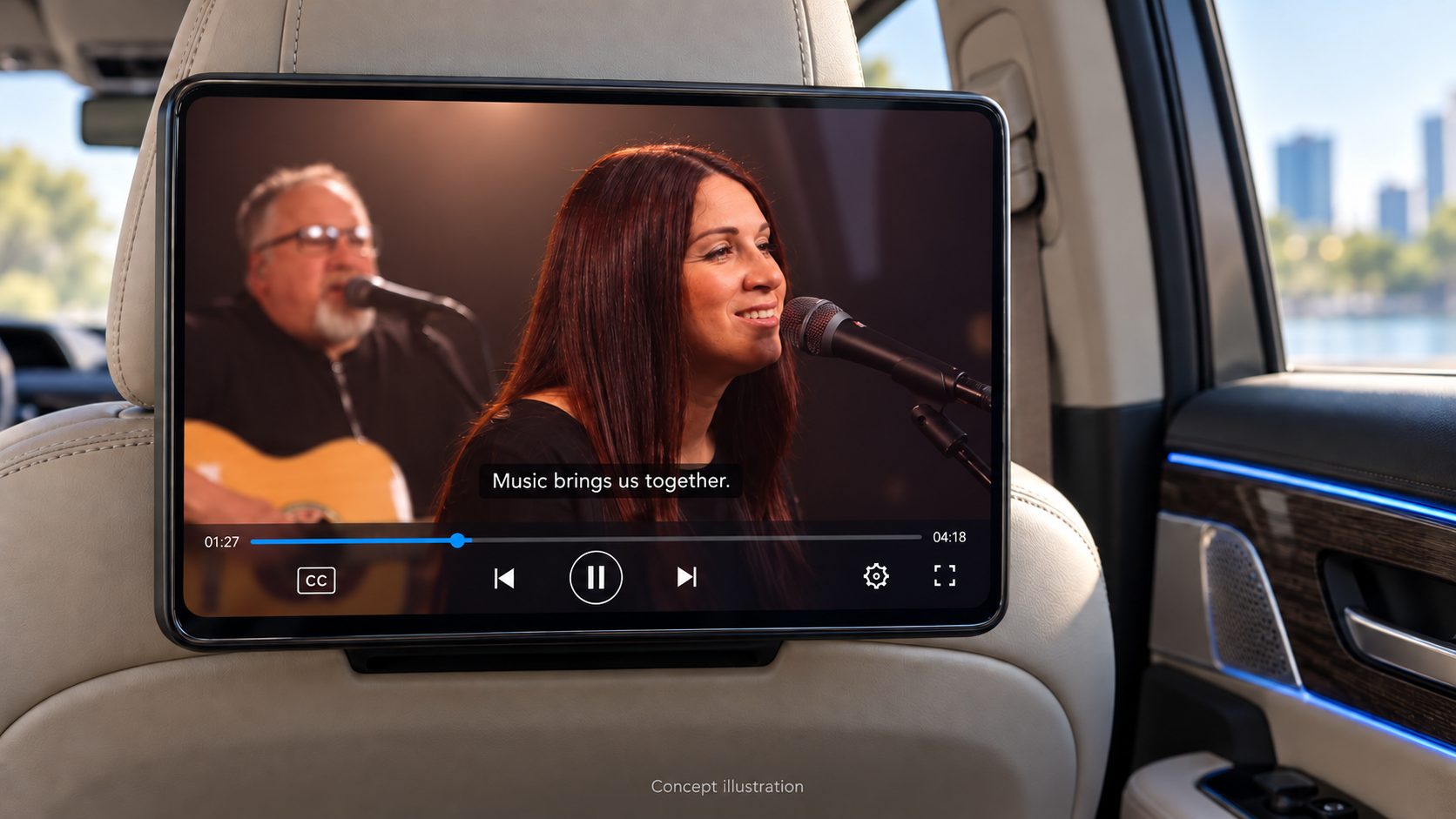
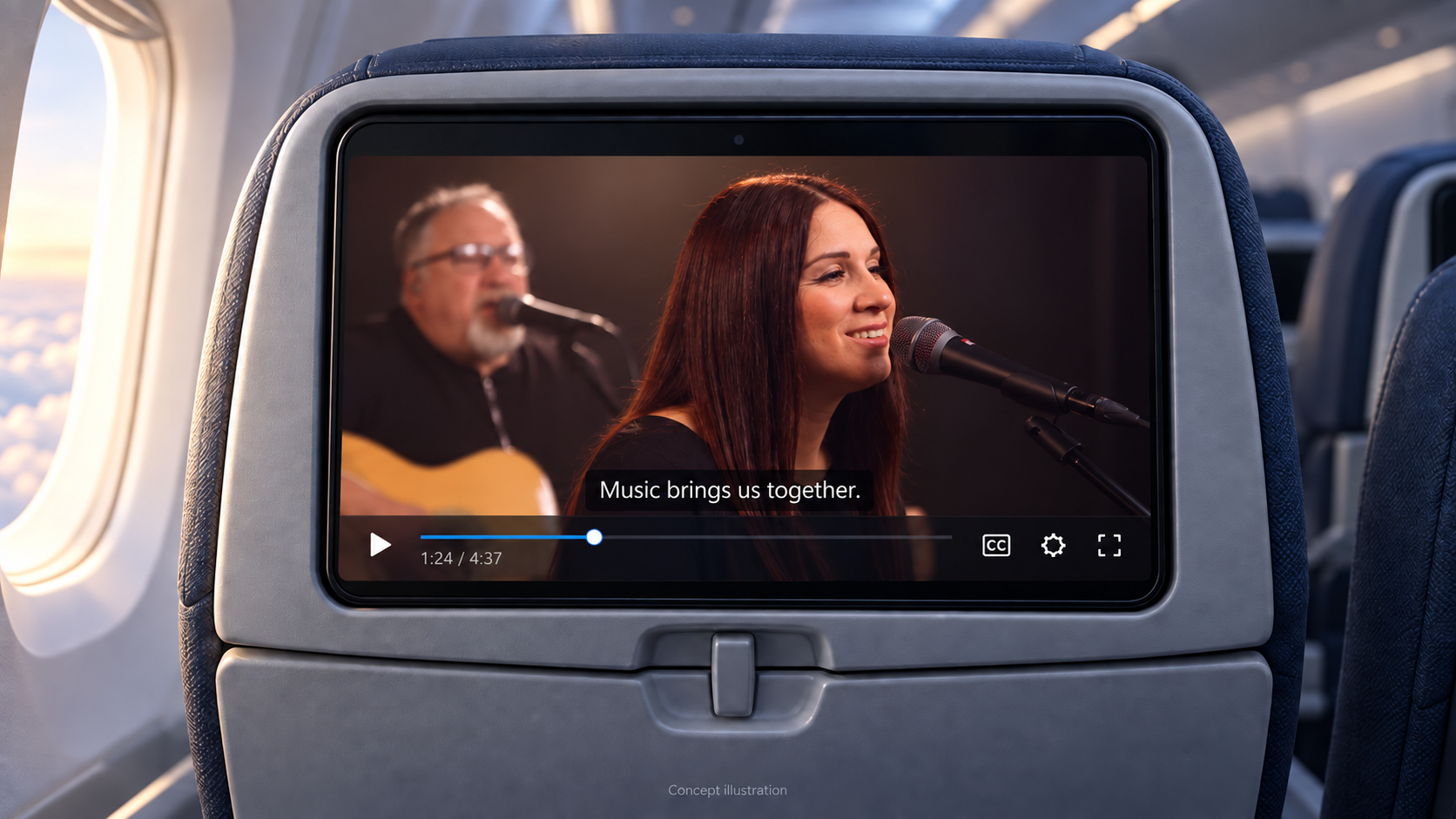
Explore playback across phones, TVs and passenger displays. Edited player visuals include a supplied video frame and sample subtitle. Device test results are listed separately below.
Tested devices and checks before release#
| Platform | Completed device tests | What to test in your app |
|---|---|---|
| Android | Samsung Android device: VOD/offline flows and live key rotation; September 17 live run reached 1920×1080. | Your device/CDM, quality/output policy, offline expiry, cold start and renewal. This result does not claim Android 4K playback. |
| iOS | iPhone: VOD, protected download/resume/renewal; six-minute 4K-capable live/key-rotation run. | Fully disconnected cold start, your content/output policies and physical iPad. Simulator layout is not FairPlay playback evidence. |
| tvOS | Physical Apple TV: FairPlay VOD and remote controls. | Live, 4K/HDR and each Apple TV/output combination. This package offers streaming on tvOS. |
| Samsung Tizen | Samsung Smart TV (Tizen): protected Full HD VOD, advancing playback and English/Chinese caption switching confirmed September 17. | Test the new customer backend integration with your backend and each TV. Live, offline and HDR are not yet verified. The evaluation app requires the local companion to remain running. |
Customer release validation: Android consumer apps compiled against the packaged AAR; Apple package passed 25 tests and both iOS/tvOS simulator builds on Xcode 26.3; Tizen lifecycle/UI tests and companion tests pass. Device results refer to the earlier physically tested engines and UI, not a fresh physical acceptance run of every customer package.
If the sample does not play#
- SDK download unavailable: confirm the selected organization has an active Professional or Enterprise subscription; sign in again if the session expired.
- Video authorization fails: check the Published Content ID, viewer entitlement and server endpoint. Do not put tenant credentials into the app to work around it.
- Apple simulator cannot play: run on a signed physical device for FairPlay.
- Samsung installation fails: check Developer Mode, DUID, certificate profile and Permit to install applications. Follow the Tizen signing steps.
- TV video stutters: provide a compatible codec/rendition ladder; the tested Samsung Smart TV needs Full HD rather than a UHD-first demo manifest.
For support, share SDK version, device/OS, Content ID, time and a redacted error code. Exclude credentials, session authorization, signed URLs and license payloads.