 DRM-X 6.0
Universal Player দিয়ে নেটিভ অ্যাপস তৈরি করুন
Android, iOS, Apple TV বা Samsung Tizen বেছে নিন। আপনার সাবস্ক্রিপশনে অন্তর্ভুক্ত SDKs ডাউনলোড করুন, সবার জন্য উন্মুক্ত মূল্যায়ন প্লেয়ার পরীক্ষা করুন এবং সেটআপের ধাপ ও অ্যাপের স্ক্রিনশট দেখুন।
SDK ZIP-এর DEMO-QUICKSTART.md অনুসরণ করে PHP ডেমো চেষ্টা করুন। নিজের কনটেন্ট ব্যবহার করতে প্রথমে ওয়েবসাইট ও ব্যাকএন্ড ইন্টিগ্রেশন সম্পন্ন করুন, তারপর MOBILE-AND-TV-APPS.md অনুসরণ করে অ্যাপটিকে একই লগইন ব্যবস্থা ও দেখার অনুমতির নিয়মের সঙ্গে যুক্ত করুন।
1. আপনার প্ল্যাটফর্ম চয়ন করুন#
Android
Kotlin, Media3 এবং Widevine। সামঞ্জস্যপূর্ণ ডিভাইসে ফোন এবং TV নমুনা, স্ট্রিমিং এবং সুরক্ষিত VOD ডাউনলোড।
APK চেষ্টা করুন এবং একটি Android অ্যাপ তৈরি করুন →iPhone & iPad
Swift Package, SwiftUI এবং FairPlay। টাচ কন্ট্রোল, প্লেলিস্ট এবং সুরক্ষিত ডাউনলোড। iOS/iPadOS 15+।
আপনার iOS অ্যাপ তৈরি করুন →Apple TV
একই Apple SDK এর মধ্যে রয়েছে দূরবর্তী নেভিগেশন, প্লেলিস্ট এবং FairPlay স্ট্রিমিং সহ একটি tvOS নমুনা অ্যাপ। tvOS 15+।
আপনার Apple TV অ্যাপ তৈরি করুন →Samsung Smart TV
JavaScript, Samsung AVPlay এবং Widevine DASH VOD। পূর্ণ-স্ক্রীন নিয়ন্ত্রণ, প্লেলিস্ট এবং দূরবর্তী নেভিগেশন।
TV মূল্যায়ন কিট ব্যবহার করে দেখুন এবং একটি Tizen অ্যাপ তৈরি করুন →Amazon Fire TV (Vega OS)
React Native, native Vega media and Widevine VOD. Build a configurable app with playlist autoplay, fullscreen and text subtitles. SDK downloads require an active Professional or Enterprise subscription.
Build your Fire TV app →2. Console থেকে SDK ডাউনলোড করুন#
- Sign in করুন।সক্রিয় Professional বা Enterprise subscription থাকা customer organization দিয়ে Console → Developer Tools → Device SDKs খুলুন।
- আপনার platform-এর card বেছে নিন।Android AAR/full SDK, Apple SDK ZIP অথবা Tizen SDK ZIP download করুন। iOS ও tvOS একই Apple ZIP ব্যবহার করে।
- এক্সট্র্যাক্ট করুন এবং README.md খুলুন। সরবরাহকৃত ফোল্ডার কাঠামোটি রাখুন। Console রিলিজের বিবরণ এবং SHA-256 চেকসাম দেখায়। গ্রাহকদের SDK বান্ডেলগুলি আপনার ব্যক্তিগত দল নির্ভরতা স্টোরেজে রাখুন৷
- নমুনাটি চালান, তারপর আপনার অ্যাপটি সংযুক্ত করুন।প্ল্যাটফর্ম নির্দেশিকা অনুসরণ করুন। আপনার নিজস্ব অ্যাপ শনাক্তকারী এবং স্বাক্ষর শংসাপত্র ব্যবহার করুন। আপনার অ্যাপ বিতরণ করার আগে আপনার সামগ্রী, ব্যাকএন্ড এবং শারীরিক ডিভাইসগুলি পরীক্ষা করুন৷
| ডাউনলোড করুন | অ্যাক্সেস | আপনি কি পাবেন |
|---|---|---|
| Android SDK | Professional / Enterprise | 1.0.0-preview.14: AAR, সম্পূর্ণ SDK এবং বিল্ড যাচাই করা ইন্টিগ্রেশন নমুনা প্রকল্প |
| Apple SDK | Professional / Enterprise | 1.0.0-preview.4: Swift Package, iOS/tvOS-এর Xcode নমুনা এবং পরীক্ষা |
| Tizen SDK | Professional / Enterprise | 1.0.0-preview.3 JavaScript API, প্রকার, রিমোট-কন্ট্রোল নমুনা এবং পরীক্ষা |
| Android মূল্যায়ন APK | পাবলিক | স্বাক্ষরিত প্রদর্শনী অ্যাপ; ডাউনলোড এবং ইনস্টল |
| Samsung মূল্যায়ন কিট / WGT | পাবলিক | স্বাক্ষরবিহীন উইজেট এবং স্থানীয় সহচর; কনফিগার করুন এবং আপনার TV এর জন্য সাইন করুন |
| Apple app মূল্যায়ন | যোগ্য subscription-এর SDK দিয়ে build করুন | আপনার Apple team দিয়ে sample app sign করুন। কোনো public IPA বা TestFlight download নেই। |
Developer Tools → Device SDKs থেকে ডাউনলোড করুন। SDK ব্যবহারে সক্রিয় Professional বা Enterprise অনুমতি প্রয়োজন; অনুমোদিত Professional মূল্যায়নও অন্তর্ভুক্ত। Standard-এ নিজস্ব প্লেয়ারের জন্য নেটিভ APIs থাকছে। সেশন তৈরি ও লাইসেন্স নবায়নের সময় SDK অনুমতি যাচাই হয়; অফলাইন লাইসেন্সের মেয়াদ অ্যাকাউন্টের সেবা সময়সীমার পরে যায় না।
3. আপনার ব্যাকএন্ড এবং প্রকাশিত সামগ্রী সংযুক্ত করুন#
- Encrypted video package ও publish করুন। Android/Tizen-এর জন্য DASH/CENC এবং Apple-এর জন্য সক্রিয় FairPlay deployment-সহ HLS/CBCS ব্যবহার করুন।
- নিজের backend-এ authentication প্রয়োজন এমন HTTPS playback-session endpoint তৈরি করুন। এটি দর্শকের অধিকার যাচাই করে DRM-X Playback Session API call করবে।
- Registered manifest, license/certificate endpoint, স্বল্পমেয়াদি authorization এবং session-release endpoint-সহ Universal Playback Session Contract v1 ফেরত দিন। Site Key ও Access Key শুধু server-এ রাখুন।
- App-এর endpoint, published Content IDs এবং viewer-login callback সেট করুন। দেখা শুরু হলে streaming session তৈরি হয়; session release করতে playback বন্ধ বা বদলান।
- প্রথমে VOD চালান। Audio, seek, content-এর subtitle, content পরিবর্তন, access প্রত্যাখ্যান এবং session release পরীক্ষা করুন। Live পরীক্ষা শুধু চলমান event-এর সময় করুন।
SDK আপনার গ্রাহক লগইন বা সাবস্ক্রিপশন লজিক প্রতিস্থাপন করে না। ব্যাকএন্ড উদাহরণ দিয়ে শুরু করুন; আপনার আর্কিটেকচারের প্রয়োজন হলে একটি টোকেন প্রক্সি ব্যবহার করুন।
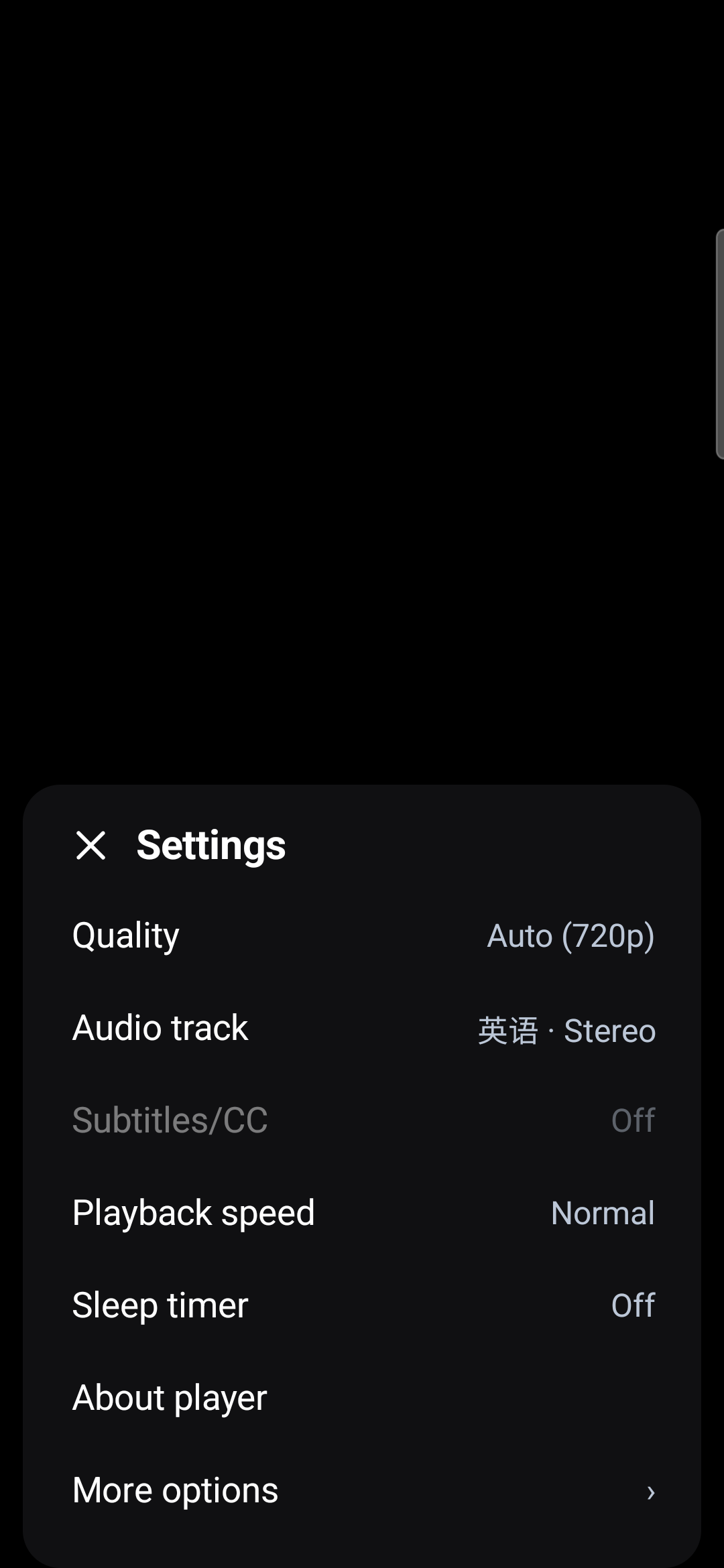
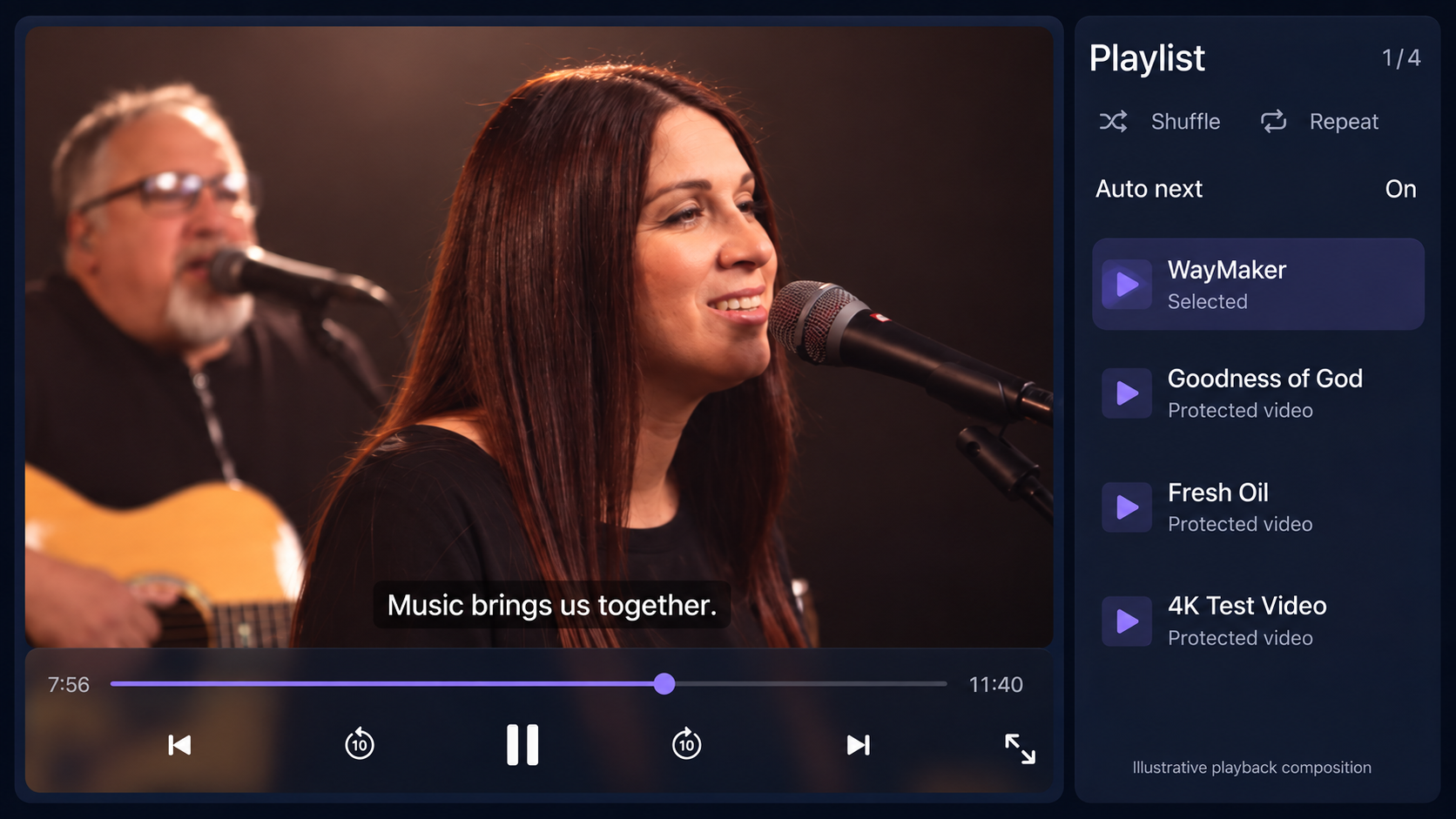
প্লেয়ার ইন্টারফেস দেখুন#
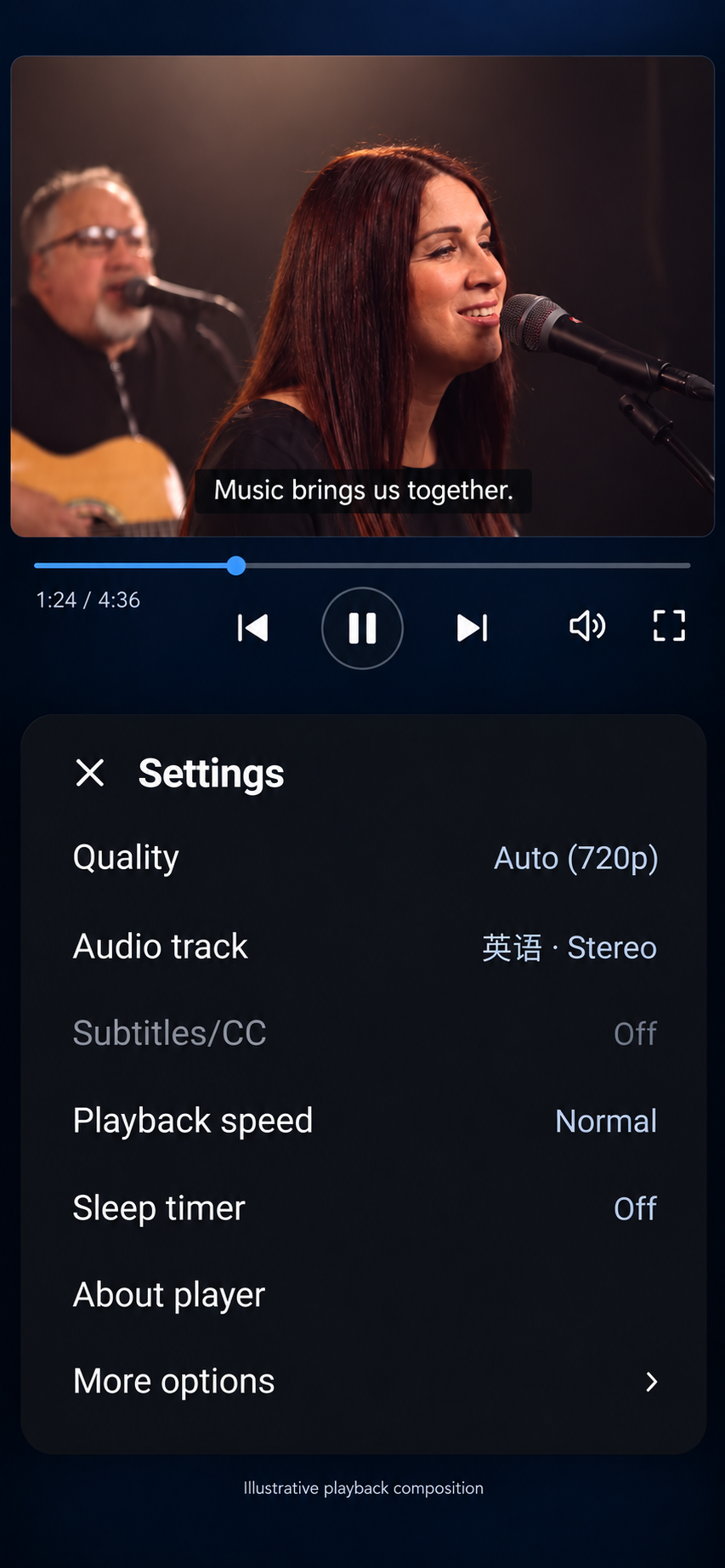
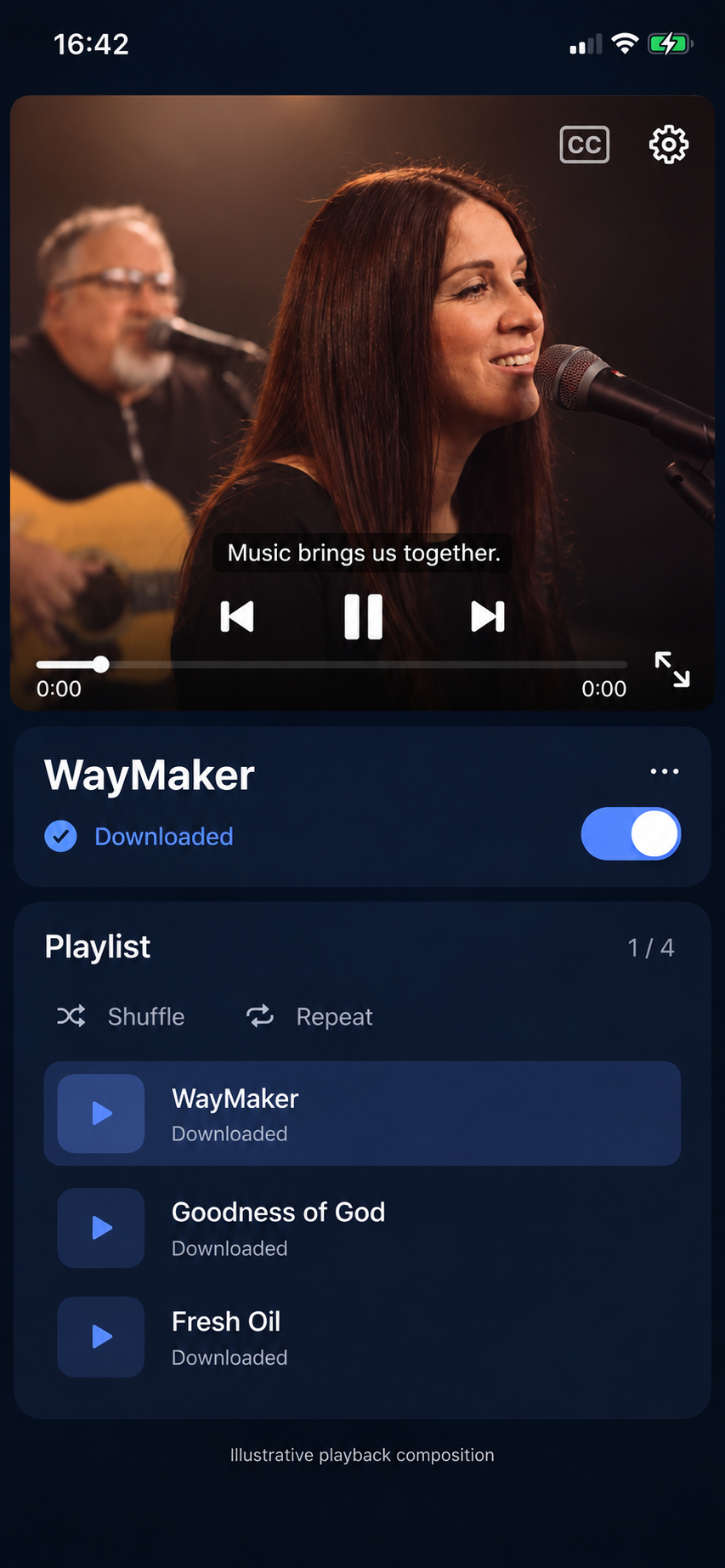
Android-এর মূল স্ক্রিনশট দেখুন
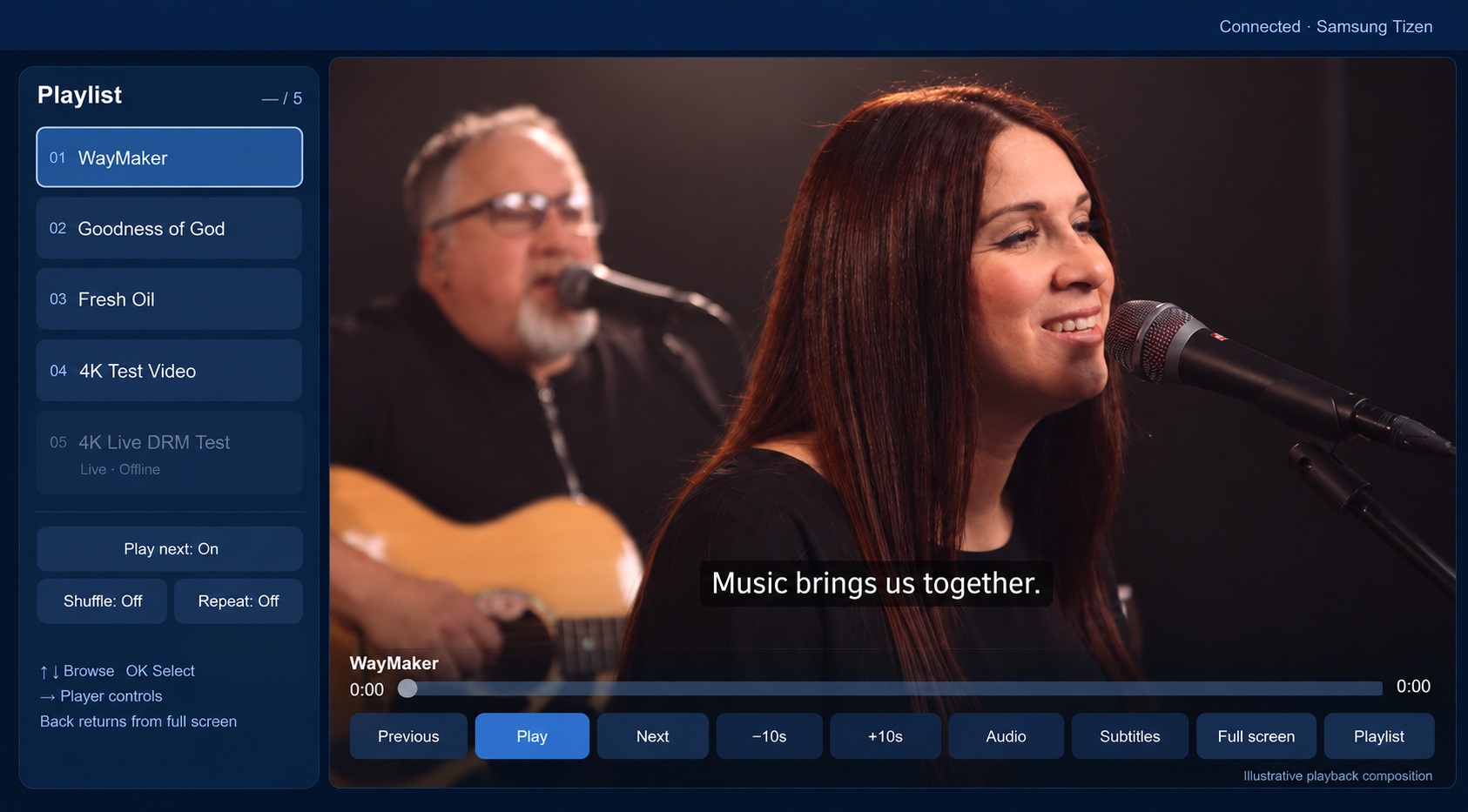
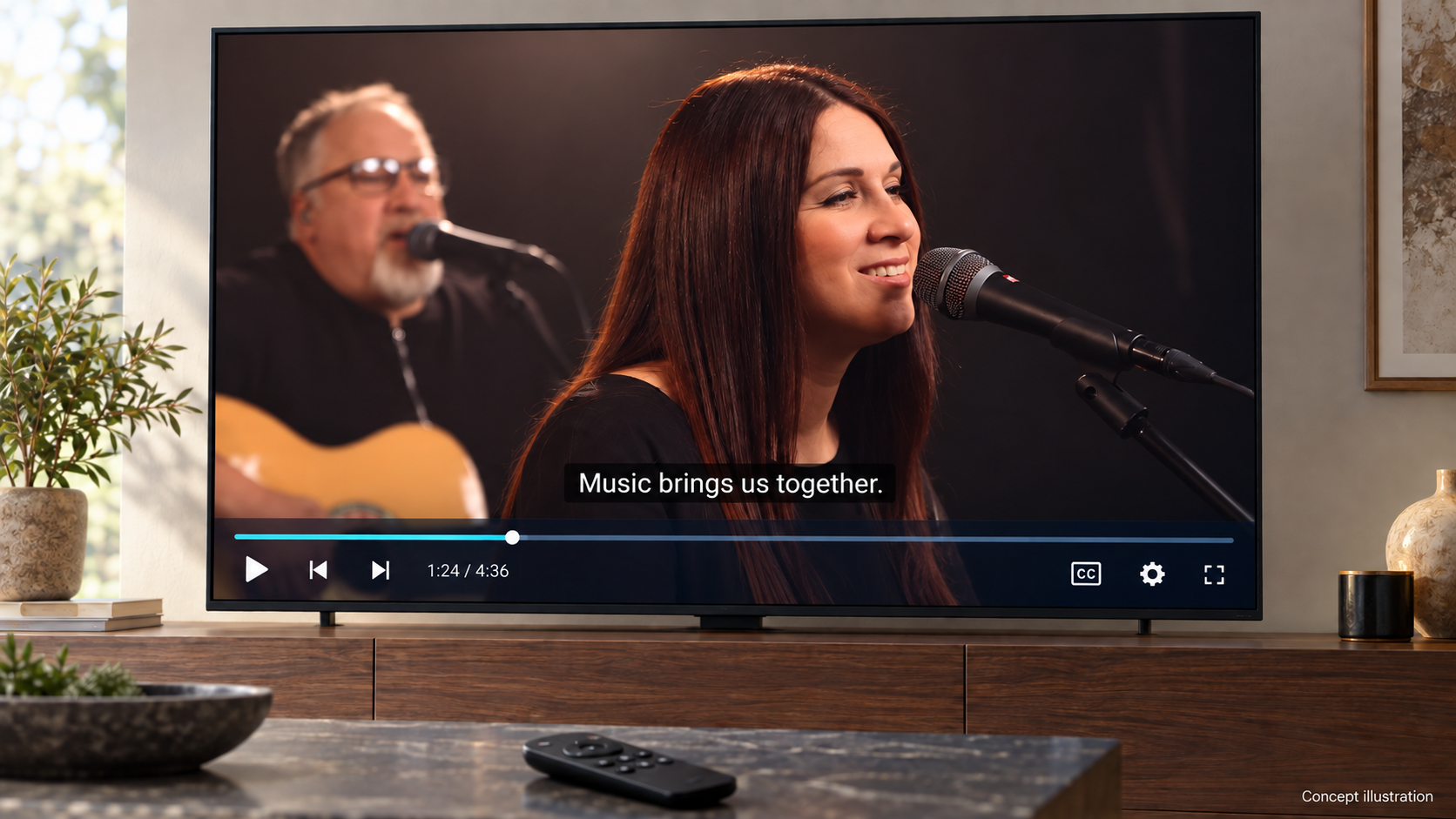
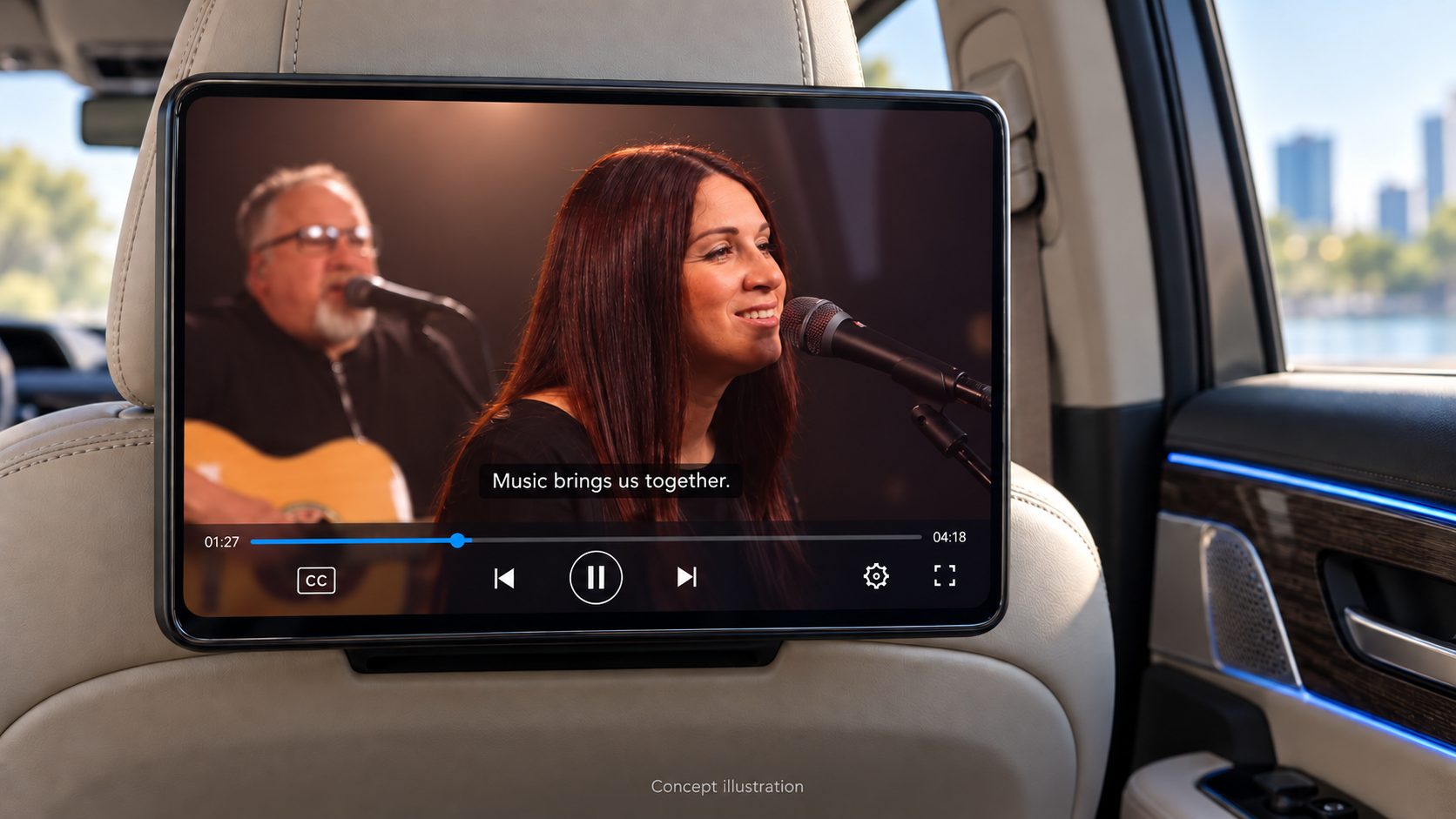
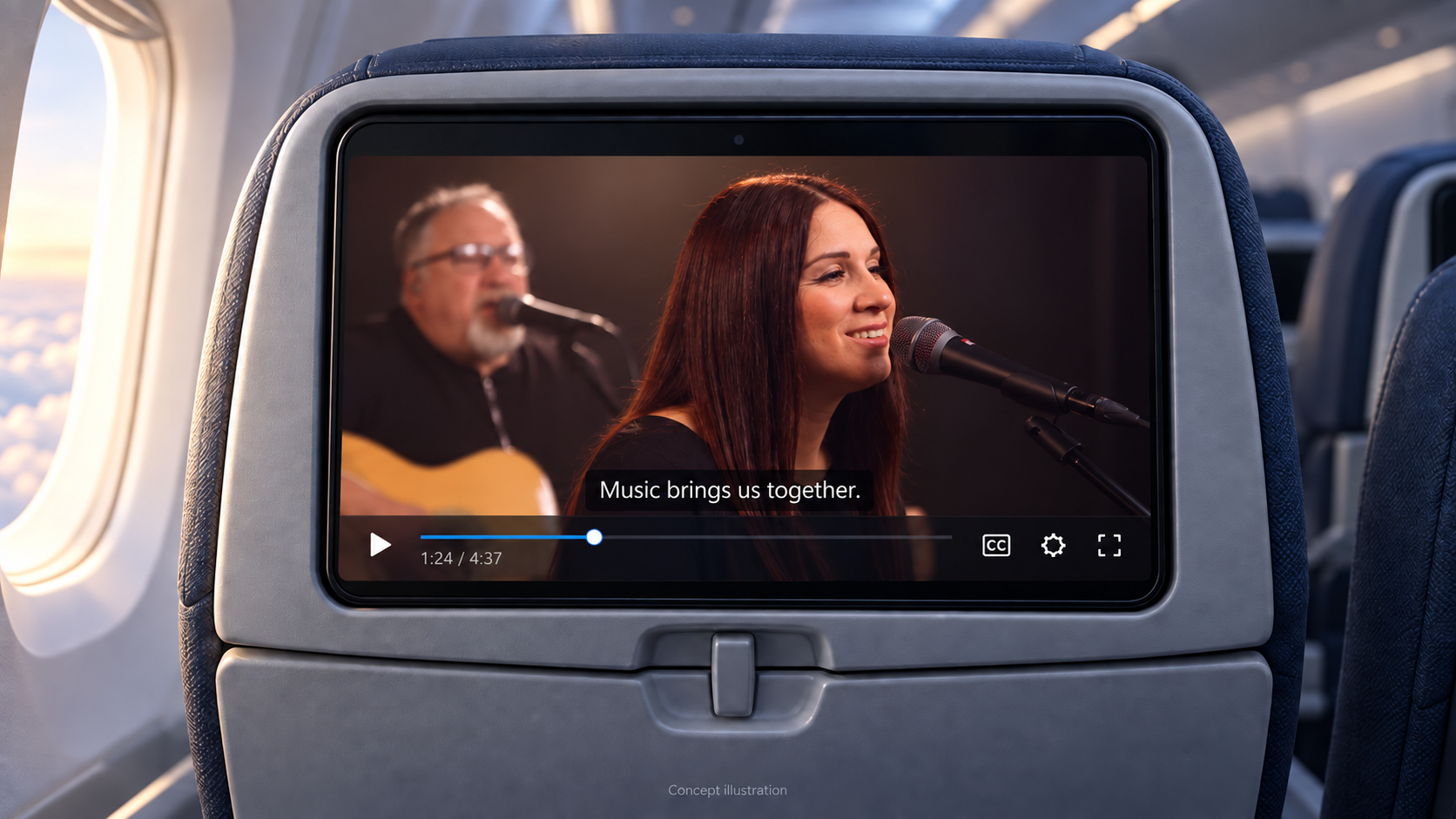
নমুনা app-এ প্লেব্যাক না হলে#
- SDK ডাউনলোড অনুপলব্ধ: নিশ্চিত করুন যে নির্বাচিত প্রতিষ্ঠানের একটি সক্রিয় Professional বা Enterprise সদস্যতা রয়েছে; সেশনের মেয়াদ শেষ হলে আবার সাইন ইন করুন।
- ভিডিও অনুমোদন ব্যর্থ হয়: Published Content ID, ভিউয়ার এনটাইটেলমেন্ট এবং সার্ভার এন্ডপয়েন্ট চেক করুন। এটির চারপাশে কাজ করার জন্য অ্যাপটিতে ভাড়াটে শংসাপত্রগুলি রাখবেন না।
- Apple simulator-এ playback হয় না: FairPlay পরীক্ষার জন্য signed app প্রকৃত device-এ চালান।
- Samsung ইনস্টলেশন ব্যর্থ হয়েছে: চেক Developer Mode, DUID, শংসাপত্র প্রোফাইল এবং Permit to install applications. Tizen স্বাক্ষর করার ধাপ অনুসরণ করুন।
- TV-তে ভিডিও আটকে গেলে TV সমর্থিত কোডেক ও রেজোলিউশন ব্যবহার করুন এবং Full HD ডিসপ্লের জন্য Full HD সংস্করণ দিন।
সহায়তার জন্য SDK version, device/OS, Content ID, সময় এবং সংবেদনশীল তথ্য বাদ দেওয়া error code দিন। Credentials, session authorization, signed URL ও license payload দেবেন না।