 DRM-X 6.0
Erstellen Sie native Apps mit Universal Player
Wählen Sie Android, iOS, Apple TV oder Samsung Tizen. Laden Sie mit einem berechtigten Abonnement die SDKs herunter, testen Sie die öffentlichen Evaluierungs-Player und nutzen Sie die Anleitungen und App-Screenshots.
Testen Sie die PHP-Demo anhand von DEMO-QUICKSTART.md in Ihrem SDK ZIP. Für eigene Inhalte integrieren Sie zuerst Ihre Website und Ihr Backend. Verbinden Sie anschließend Ihre App gemäß MOBILE-AND-TV-APPS.md mit derselben Anmeldung und denselben Zugriffsregeln.
1. Wählen Sie Ihre Plattform#
Android
Kotlin, Media3 und Widevine. Telefon- und TV-Samples, Streaming und geschützte VOD-Downloads auf kompatiblen Geräten.
Probieren Sie APK aus und erstellen Sie eine Android-App →iPhone & iPad
Swift Package, SwiftUI und FairPlay. Touch-Bedienung, Playlists und geschützte Downloads. iOS/iPadOS 15+.
Erstellen Sie Ihre iOS-App →Apple TV
Derselbe Apple SDK enthält eine tvOS Beispiel-App mit Fernnavigation, Wiedergabelisten und FairPlay Streaming. tvOS 15+.
Erstellen Sie Ihre Apple TV-App →Samsung Smart TV
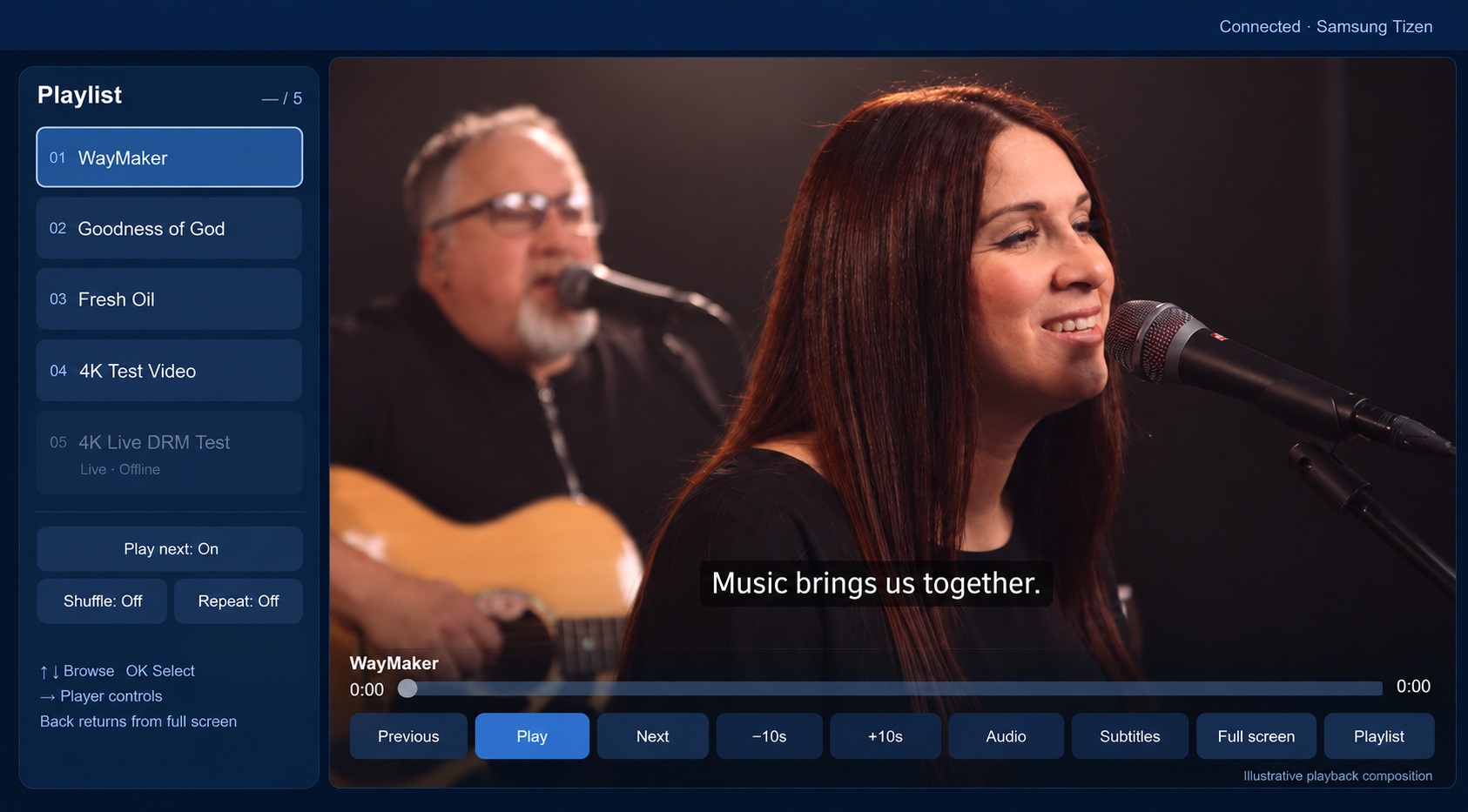
JavaScript, Samsung AVPlay und Widevine DASH VOD. Vollbild-Steuerung, Wiedergabelisten und Fernnavigation.
Probieren Sie das TV-Evaluierungskit aus und erstellen Sie eine Tizen-App →Amazon Fire TV (Vega OS)
React Native, native Vega media and Widevine VOD. Build a configurable app with playlist autoplay, fullscreen and text subtitles. SDK downloads require an active Professional or Enterprise subscription.
Build your Fire TV app →2. Laden Sie SDK von Console herunter#
- Anmelden.Öffnen Console → Developer Tools → Device SDKs unter Verwendung der Kundenorganisation mit einem aktiven Professional oder Enterprise Abonnement.
- Wählen Sie Ihre Plattformkarte.Laden Sie Androids AAR/full SDK, den Apple SDK ZIP oder den Tizen SDK herunter. ZIP. iOS und tvOS verwenden denselben Apple ZIP.
- Extrahieren und öffnen README.md.Behalten Sie die bereitgestellte Ordnerstruktur bei. Das Console zeigt Release-Details und SHA-256 Prüfsummen. Bewahren Sie Kundenpakete SDK in Ihrem privaten Team-Abhängigkeitsspeicher auf.
- Führen Sie das Beispiel aus und verbinden Sie dann Ihre App.Folgen Sie der Plattformanleitung. Verwenden Sie Ihre eigenen App-IDs und Signaturzertifikate. Testen Sie Ihre Inhalte, Ihr Backend und Ihre physischen Geräte, bevor Sie Ihre App verteilen.
| Herunterladen | Zugriff | Was Sie erhalten |
|---|---|---|
| Android SDK | Professional / Enterprise | 1.0.0-preview.14: AAR, vollständiges SDK und Integrationsbeispiele mit geprüften Builds |
| Apple SDK | Professional / Enterprise | 1.0.0-preview.4: Swift Package, Xcode-Beispiele für iOS/tvOS und Tests |
| Tizen SDK | Professional / Enterprise | 1.0.0-preview.3: JavaScript API, Typdeklarationen, Beispiel für Fernbedienung und Tests |
| Android-APK zur Evaluierung | Öffentlich | Signierte Demo-App; herunterladen und installieren |
| Samsung Evaluierungskit / WGT | Öffentlich | Unsigniertes Widget und lokaler Begleiter; konfigurieren und signieren Sie für Ihr TV |
| Apple-Bewertung | Aus dem SDK für berechtigte Abonnements erstellen | Signieren Sie das Beispiel mit Ihrem Apple-Team. Es gibt keinen öffentlichen IPA- oder TestFlight-Download. |
Download unter Developer Tools → Device SDKs. Die SDK-Nutzung erfordert aktiven Professional- oder Enterprise-Zugang, einschließlich genehmigter Professional-Evaluierungen. Standard bietet weiterhin native APIs für eigene Player. Der SDK-Zugang wird bei Sitzungserstellung und Lizenzerneuerung geprüft; Offline-Lizenzen enden spätestens mit dem Kontoservicezeitraum.
3. Verbinden Sie Ihr Backend und veröffentlichte Inhalte#
- Verpacken und veröffentlichen Sie ein verschlüsseltes Video. Verwenden Sie DASH/CENC für Android/Tizen und HLS/CBCS mit einer aktiven FairPlay-Bereitstellung für Apple.
- Erstellen Sie einen authentifizierten HTTPS Playback-Session-Endpunkt in Ihrem eigenen Backend. Es prüft die Berechtigung des Betrachters und ruft DRM-X Wiedergabesitzung API auf.
- Geben Sie Universal Playback Session Contract v1 mit dem registrierten Manifest, den Lizenz-/Zertifikatsrouten, der kurzlebigen Autorisierung und der Endpunkt zum Freigeben der Sitzung zurück. Behalten Sie Site Key und Access Key auf dem Server.
- Legen Sie den Endpunkt der App, den veröffentlichten Content IDs und den Viewer-Login-Callback fest. Eine Streaming-Sitzung wird erstellt, wenn die Anzeige beginnt; Stoppen oder ersetzen Sie die Wiedergabe, um sie freizugeben.
- Testen Sie zuerst VOD: Ton, Springen in der Zeitleiste, vorhandene Untertitel, Inhaltswechsel, verweigerten Zugriff und das Freigeben der Sitzung. Testen Sie Live nur während einer aktiven Übertragung.
Die SDK ersetzt nicht Ihre Kunden-Login- oder Abonnementlogik. Beginnen Sie mit den Backend-Beispielen; Verwenden Sie einen Token-Proxy, wenn Ihre Architektur dies benötigt.
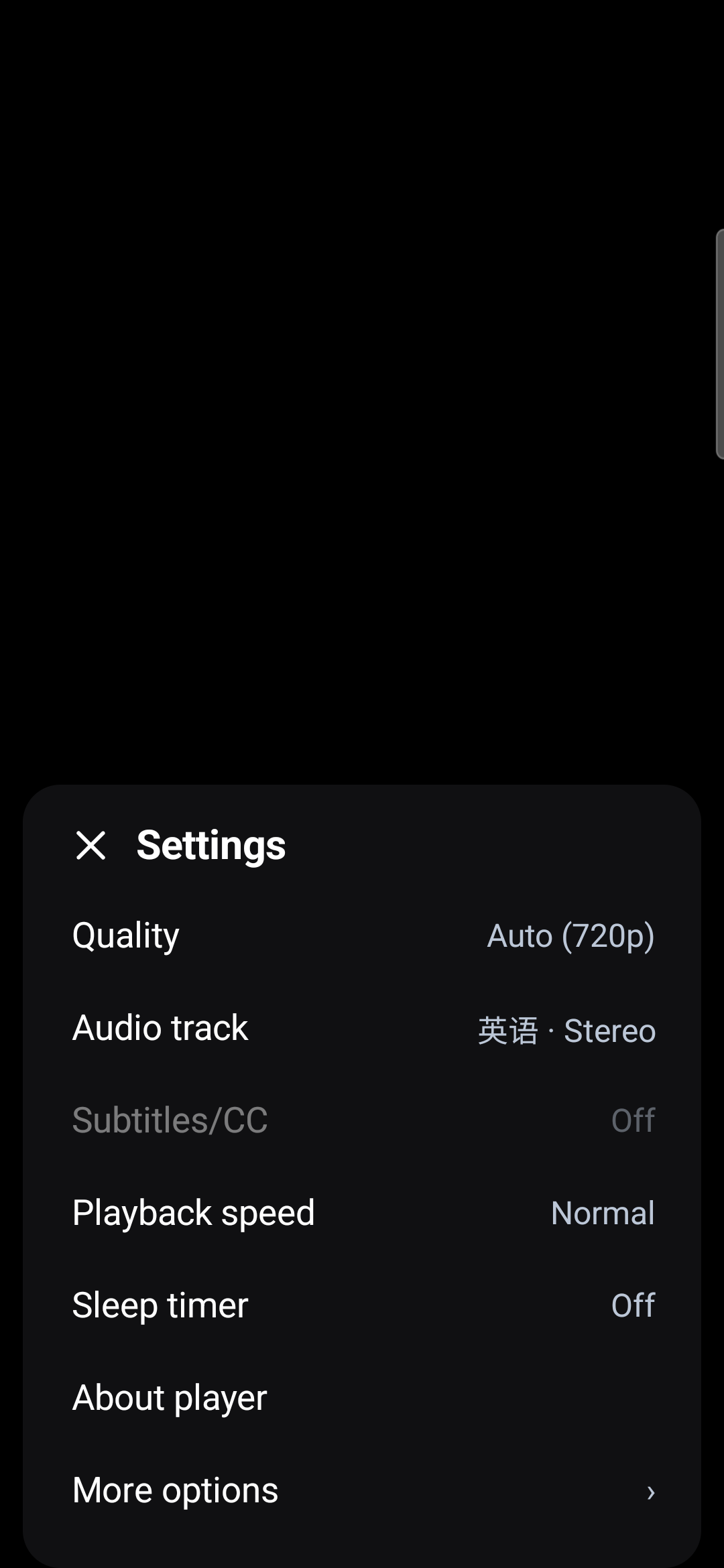
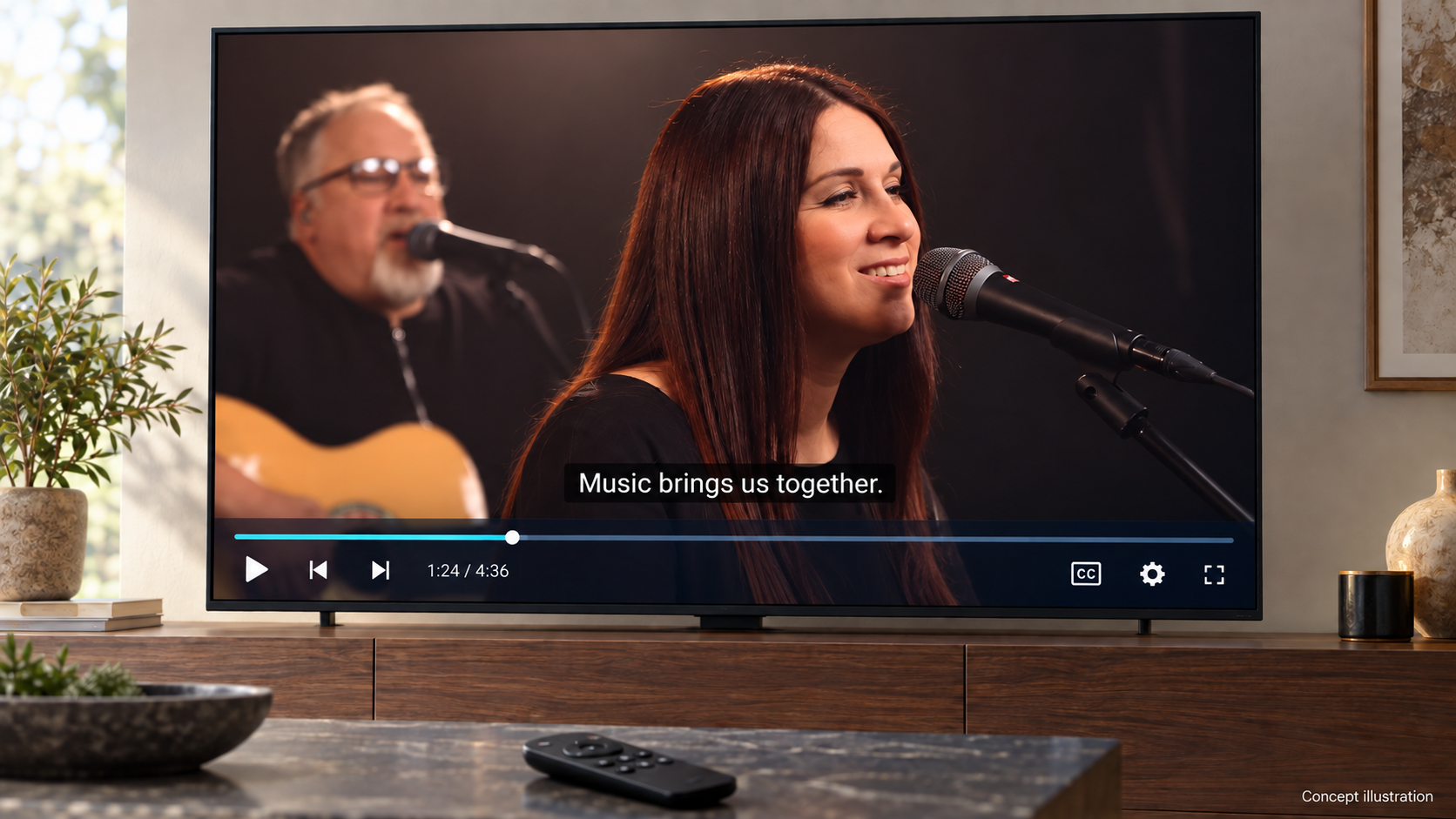
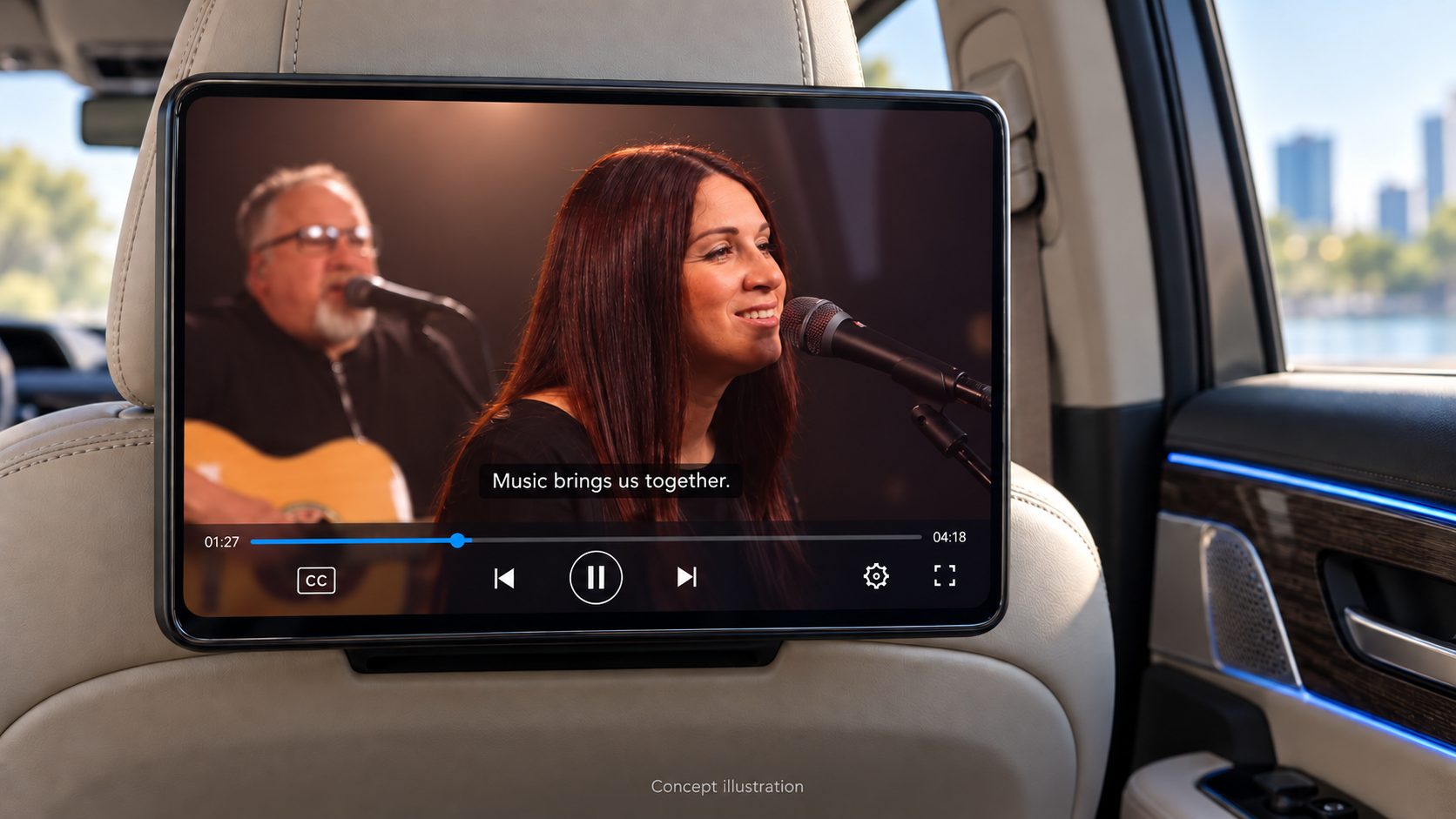
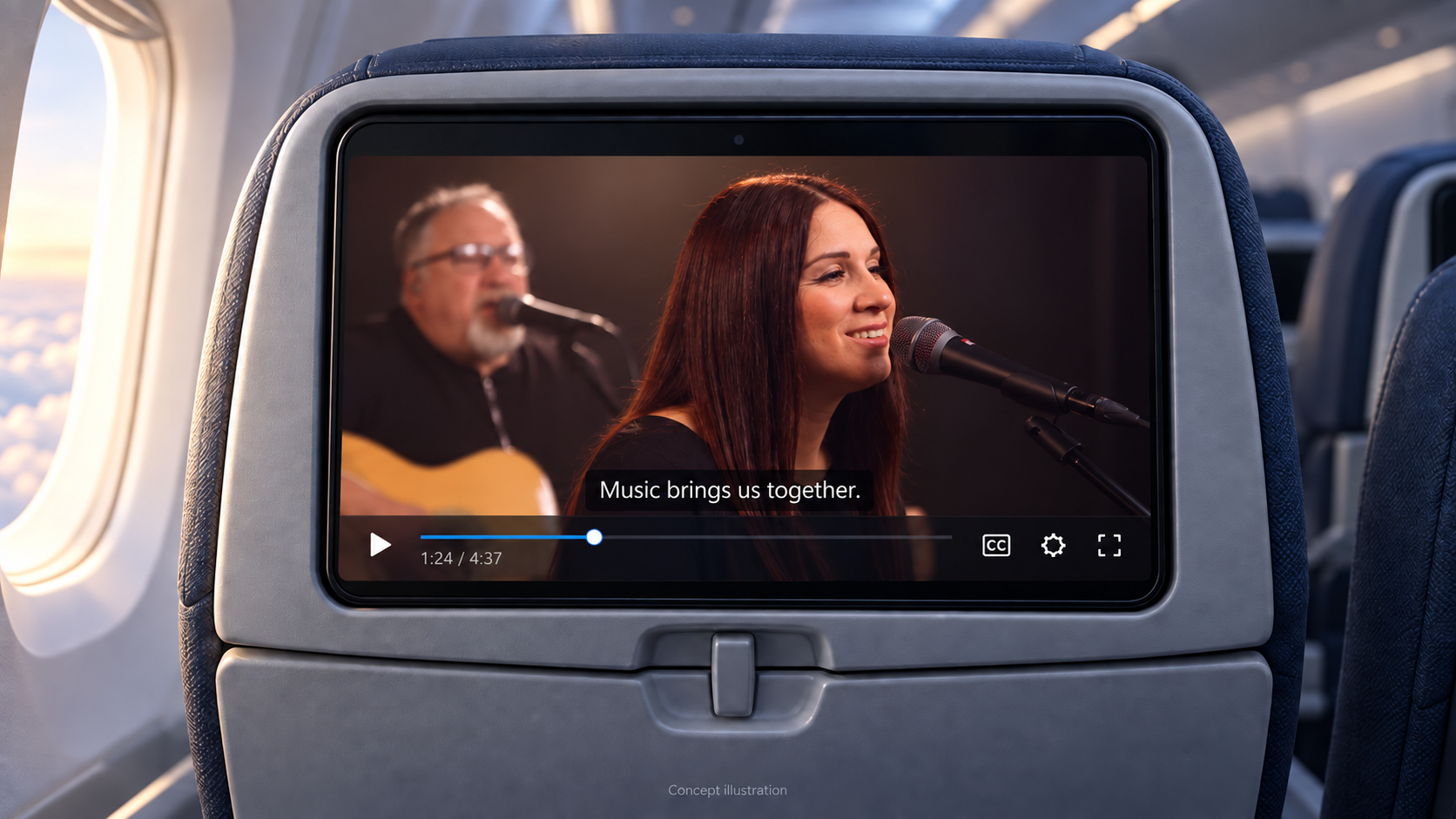
Siehe die Player-Schnittstellen#
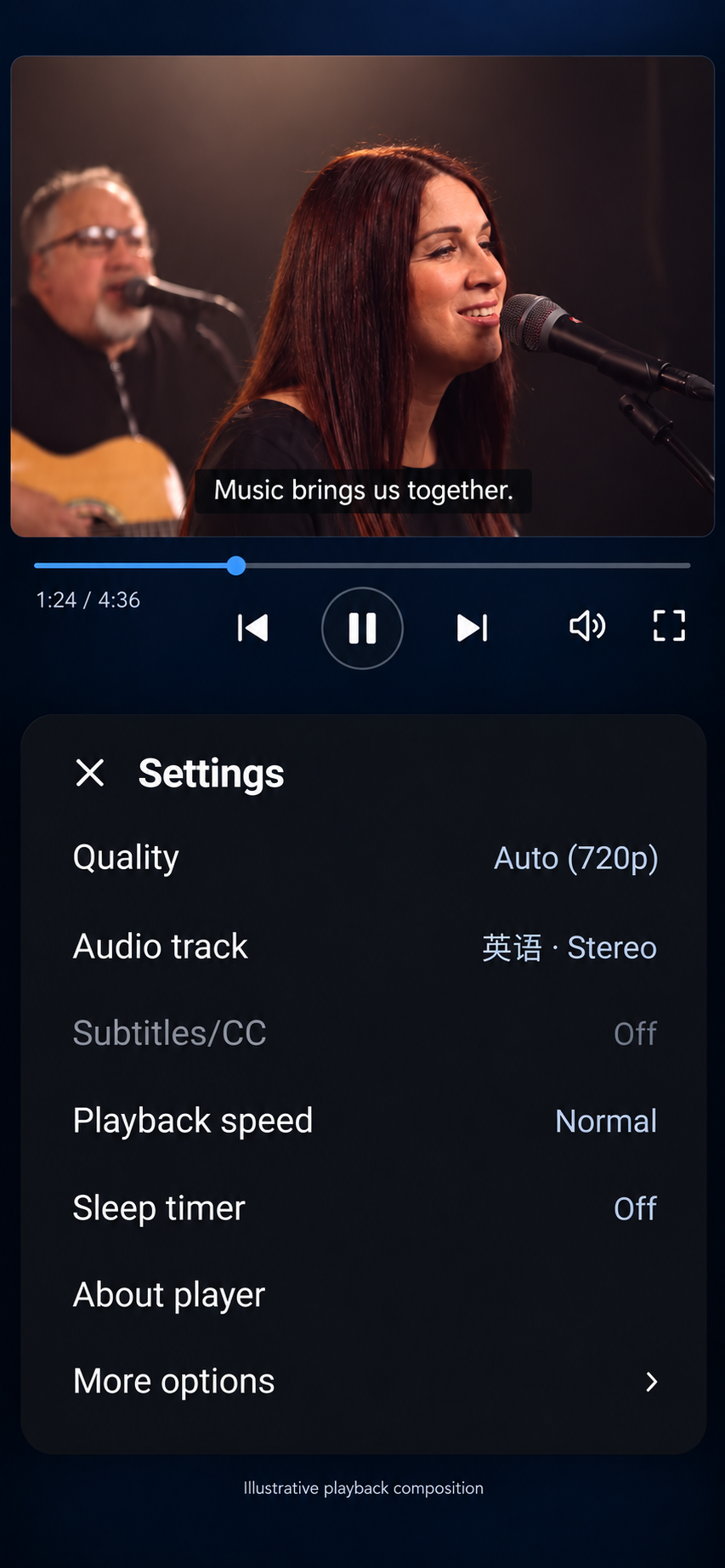
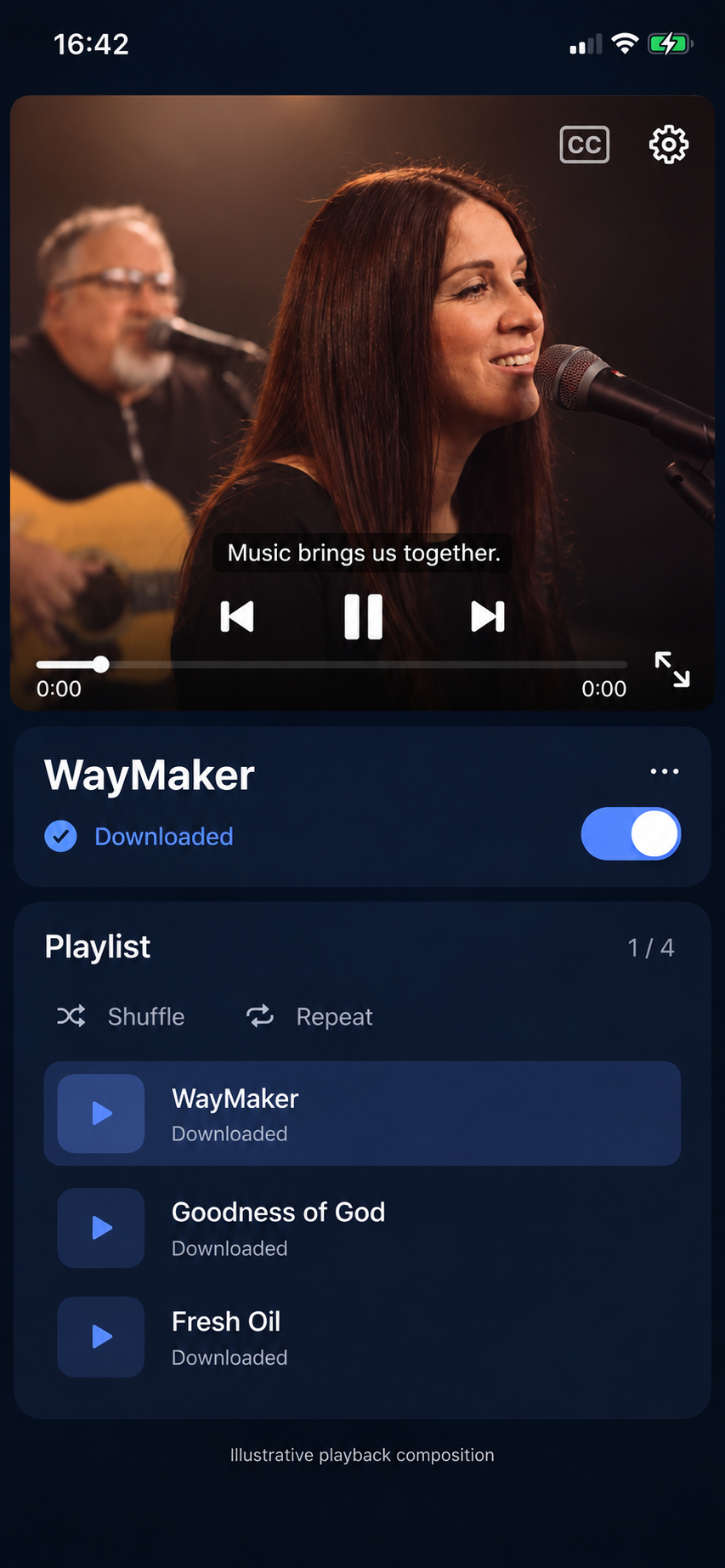
Originalen Android-Screenshot ansehen
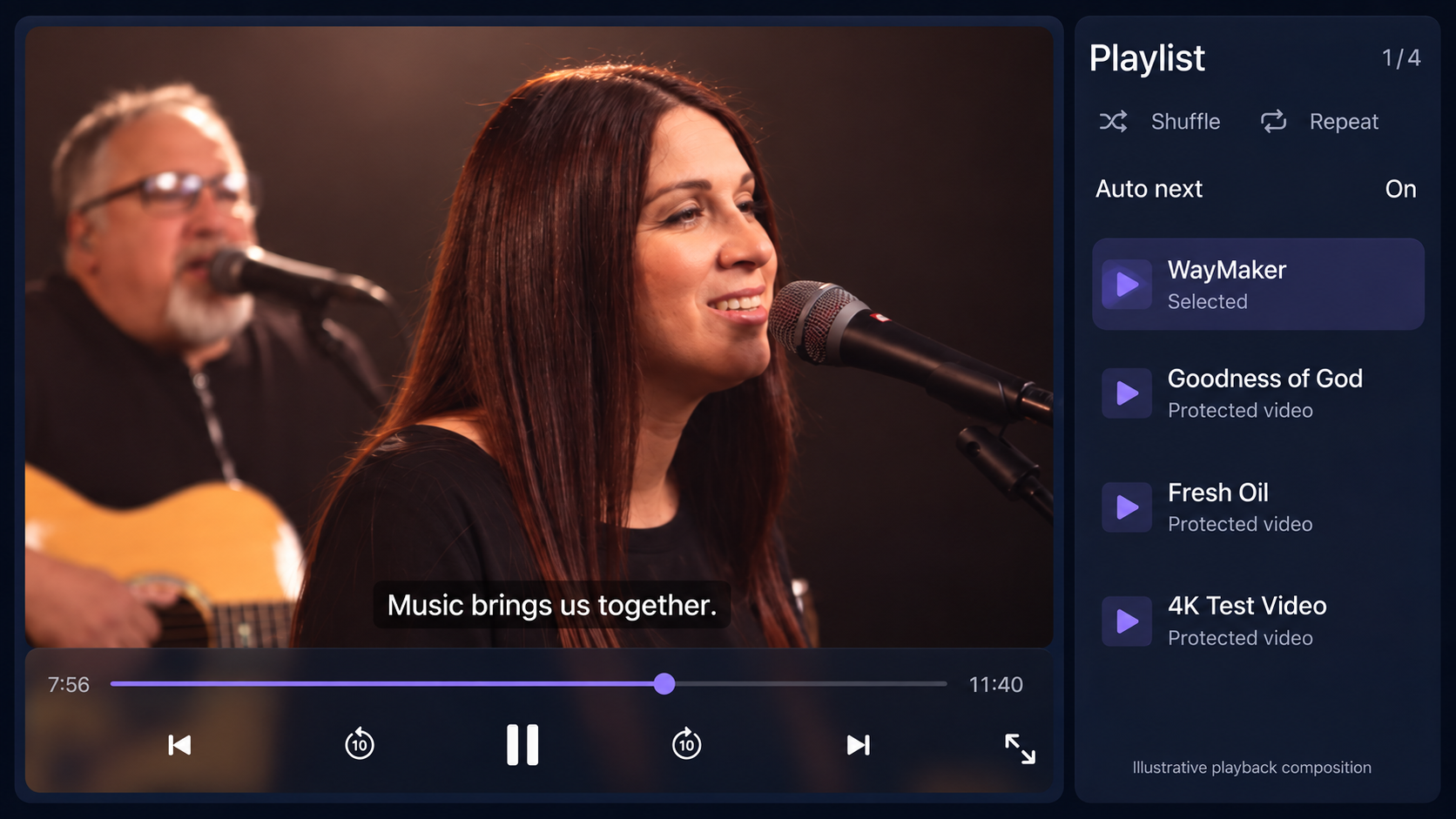
Wenn das Sample nicht abgespielt wird#
- SDK Download nicht verfügbar: bestätigen, dass die ausgewählte Organisation über ein aktives Professional oder Enterprise Abonnement verfügt; Melden Sie sich erneut an, wenn die Sitzung abgelaufen ist.
- Videoautorisierung fehlgeschlagen: Prüfen Sie Published Content ID, Zuschauerberechtigung und Serverendpunkt. Hinterlegen Sie keine Mandantenzugangsdaten in der App, um das Problem zu umgehen.
- Keine FairPlay-Wiedergabe im Apple-Simulator: Führen Sie die signierte App für den FairPlay-Test auf einem echten Gerät aus.
- Samsung Installation schlägt fehl: Überprüfen Sie Developer Mode, DUID, Zertifikatsprofil und Permit to install applications. Befolgen Sie die Tizen-Signaturschritte.
- Ruckelndes TV-Bild: Verwenden Sie einen vom Fernseher unterstützten Codec und eine passende Auflösung. Stellen Sie für Full HD-Displays eine Full HD-Version bereit.
Für Support teilen Sie bitte SDK Version, Gerät/OS, Content ID, Uhrzeit und einen redigierten Fehlercode mit. Schließen Sie Anmeldeinformationen, Sitzungsautorisierung, signierte URLs und Lizenznutzlasten aus.